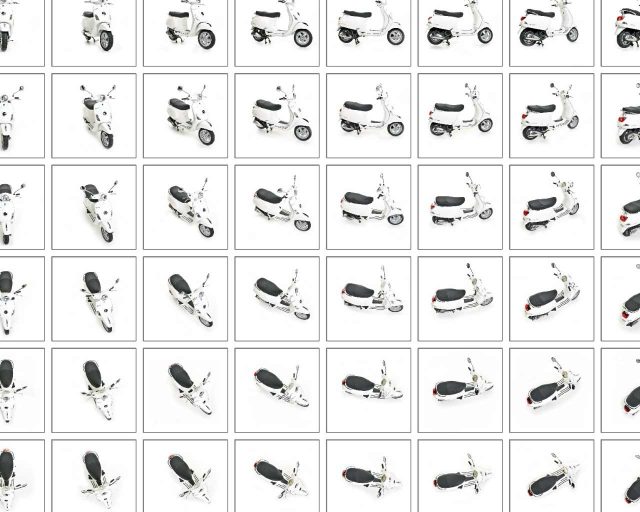
Object2VR is your all-in-one program for 360 product photography. This software takes a series of images of an object from different angles and creates interactive 360º product photos that allow users to rotate and examine objects in virtual 3D.
Use the software to control your object turntable and take a series of precise images from multiple angles. Then, perfect your images with the built-in editing tools. Finally, output the project for playback on websites, devices, and kiosks.
Create single-row, multi-row, and multi-state object movies. Object2VR supports JPEG, PNG, TIFF, PSD, and QuickTime VR source files.
A Variety of Views
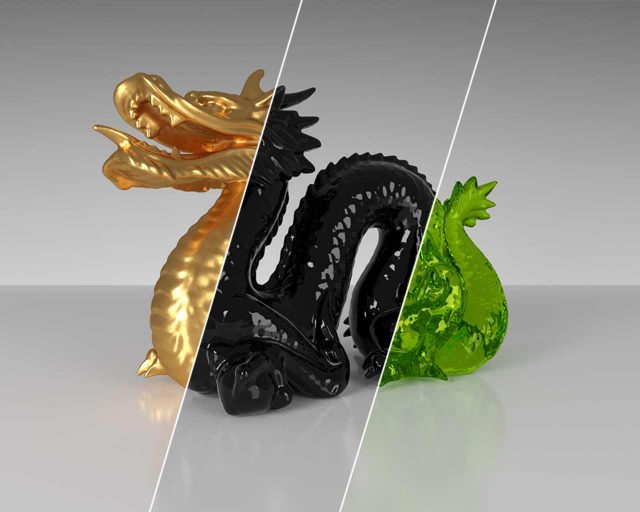
Use view states in Object2VR to display an object in different variants, for example, in different colors. Users can then switch between variants by selecting the different options available.
Make It Interactive
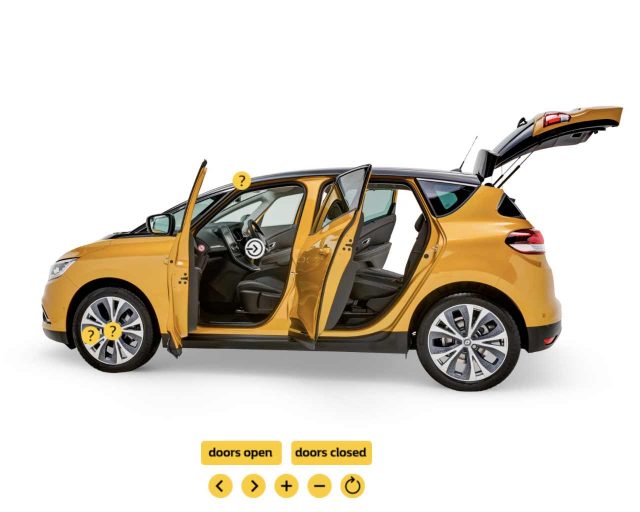
Use interactive hotspots to display information, highlight an area of the object, or to open another 360 spin. The Hotspot Editor makes it easy to apply hotspots to individual images or to the whole project.
Spin Control
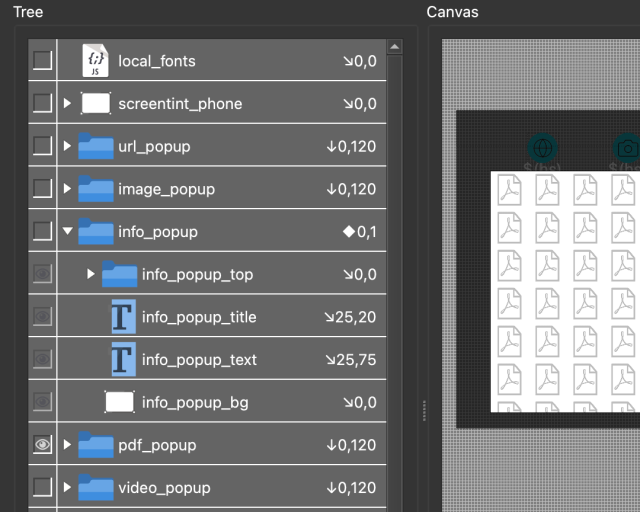
Use the powerful Skin Editor to design a custom look and feel for the player. You can add animations, sound effects, custom buttons, fonts, and more.
Show the Details
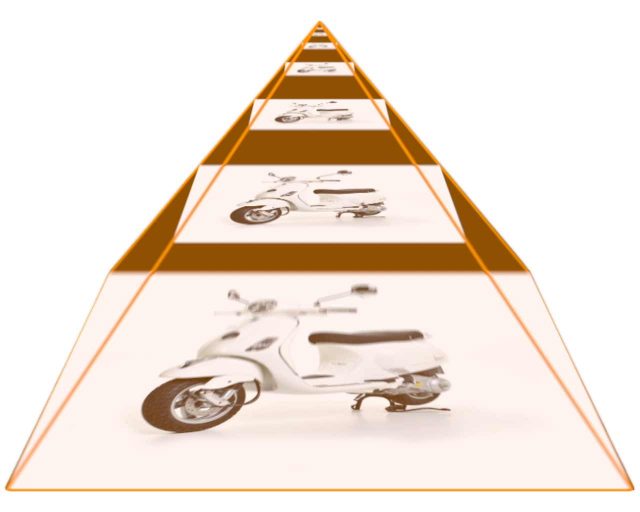
Let users zoom in deeper to see the detail in the object. Multi-resolution gives you multiple levels of resolution with smooth zooming and control.
Camera and Turntable Control
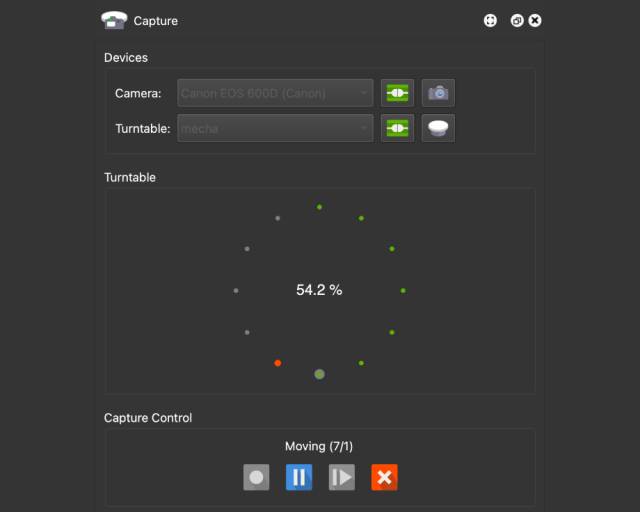
Connect your turntable and camera to your computer and let Object2VR do the hard work. Object2VR will trigger the camera as the turntable rotates. Sony, Nikon, and Canon DSLRs, along with many of the most popular turntables, are supported.
Retouch
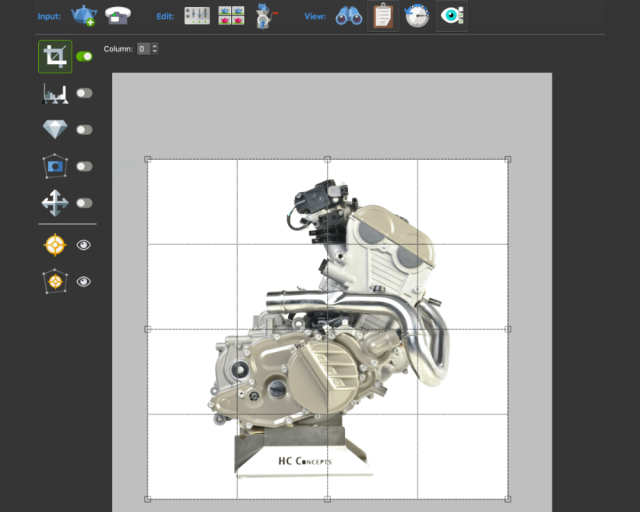
Retouch the images right in Object2VR. Crop, mask, adjust levels, and fix drifting objects without having to leave the program.
HTML5
HTML5 output with customizable HTML templates.
WordPress Plugin
Embed panoramas, VR tours, and object VRs in your WordPress site.
Skins
Use the powerful Skin Editor to design a customized look and feel for your project.
Responsive UI
With Pano2VR you can make the UI of your project adapt to any screen size.
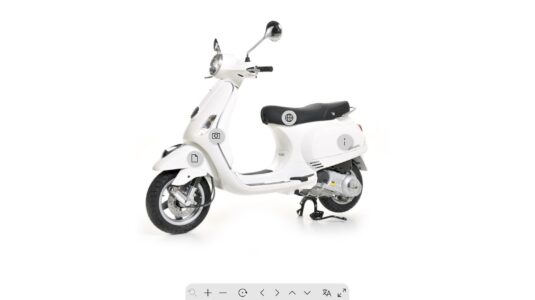
An object movie of a Vespa with images provided by XYImager. This multi-resolution and multi-row project with PDF, website, and information popups uses the new built-in skin, Neto.
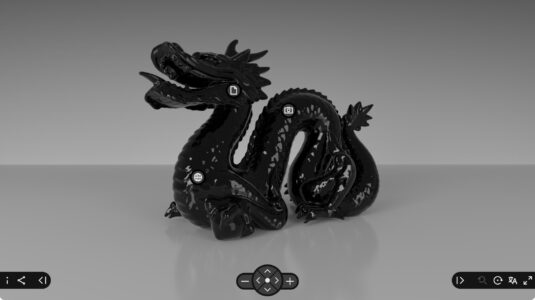
A multi-resolution, multi-row object movie with image and video pop-ups using the new built-in skin called, Venis.
show more examples
Try Object2VR for free
Download and test Object2VR as long as you like.
If you would like to use Object2VR without visible watermarks or node limitation,
you will need to order a license key.
If you have an older license of Object2VR and would like to upgrade to the latest, you can log in to your account to see what options are available to you. Learn more about how to upgrade.