Pano2VR
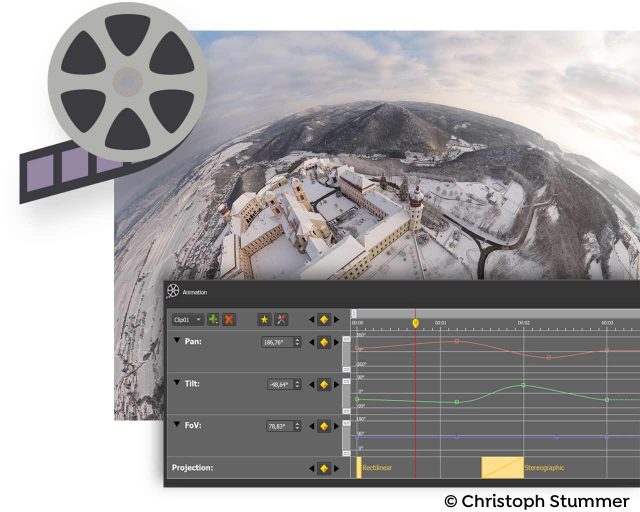
Video
Bildformate
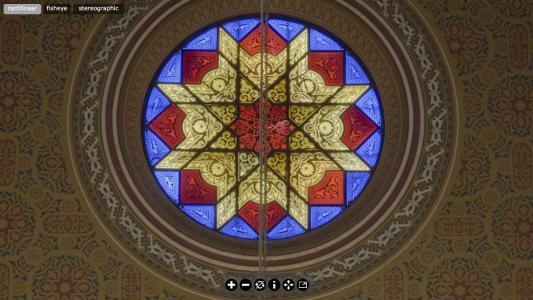
Pano2VR unterstützt zylindrische und spherische (=equirektangulare) Panoramen, einzelne Würfelfächen, Kreuz, T, Streifen sowie QuickTime VR als Eingangsformat. Es bietet auch die Möglichkeit zwischen den Formaten für die Retusche zu konvertieren. Unterstützte Dateiformate sind JPEG, PNG, TIFF, BigTIFF, Photoshop PSD/PSB (8, 16 und 32 bits pro Kanal), OpenEXR, Radiance HDR, sowie QuickTime VR mit JPEG Kodierung.
|
|
|
|
|
Pano2VR pro
|
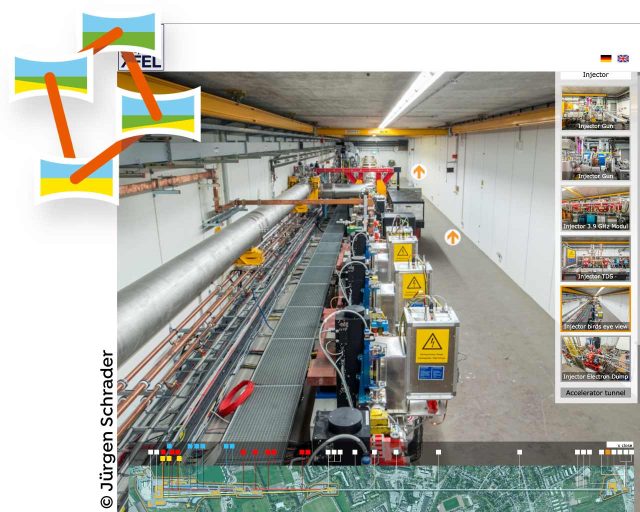
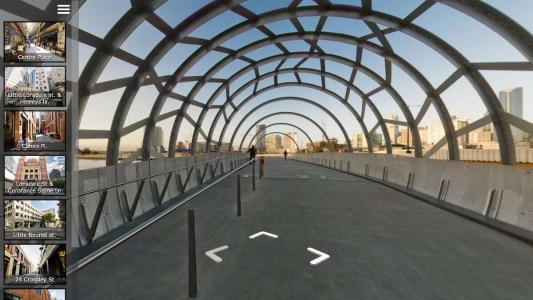
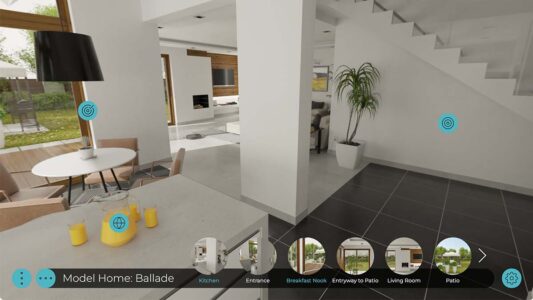
Pano2VR pro allows you to manage a whole virtual tour with multiple panoramas within one project. You can geotag your images and build your tour with a simple drag and drop interface within minutes. |
Patch Tool
|
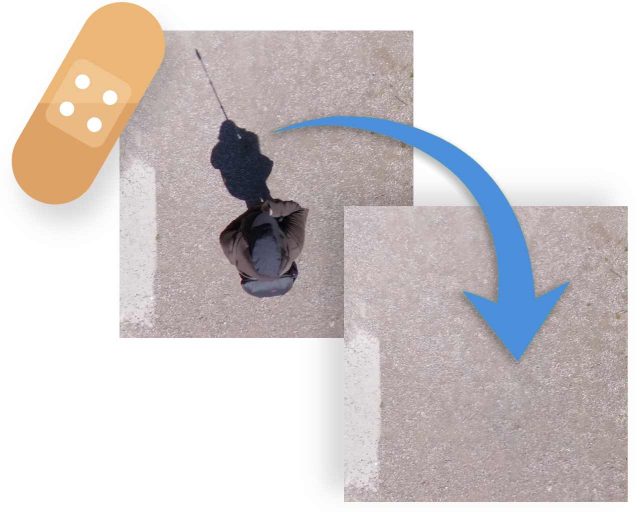
Pano2VR allows you to patch the input image dynamically. You can select an area of your panorama and export it to your image editing software. The Patch Tool supports alpha channels so only those areas that need to be fixed are remapped and the rest of the image is not touched. The patch tool can also apply mirror ball or spherical caps on the areas you want to hide. You can watch the patch tool tutorial to see it in action. |
Skin Editor
|
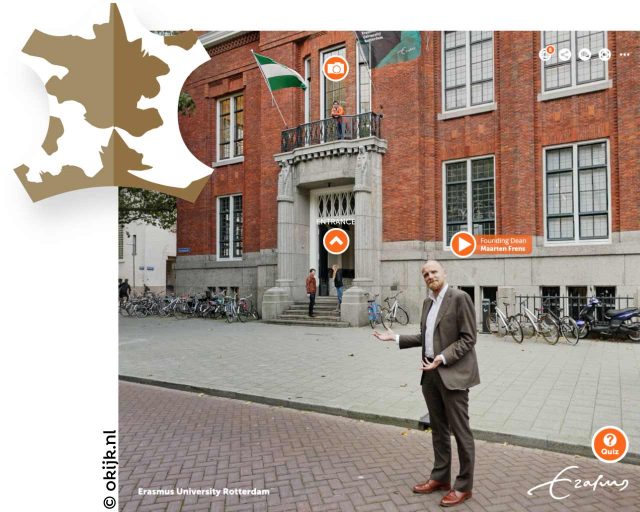
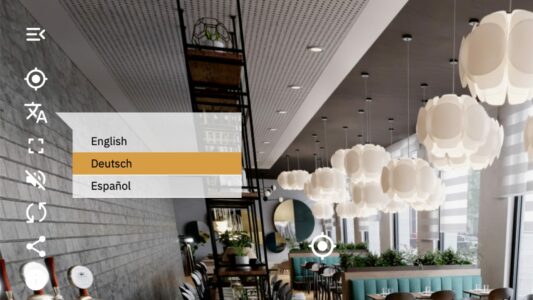
The Skin Editor allows you to design your own look and feel for your panorama player. You can add your own buttons and graphics, design hotspots and build maps for a virtual tour. You can also add animations and sound effects to the skin to help the user interact with your panoramic images. If you would rather not design your own skin you can use one of the skins that comes with Pano2VR, download skins from third parties or from the user designed skins forum. |
Sound Editor
|
With the Sound Editor you can add various sounds to your panorama. You can add a simple background sound or define directional sound sources within the 3D space. You can choose between different sound field shapes, change the size of the direct and indirect sound field and select a maximum and ambient level to design your own soundscape. Watch the sound example or the sound editor tutorial to see it in action. |
Flash Export
|
Pano2VR exportiert das Panorama mit allen grafischen Elementen als eine einzige SWF Datei nach Flash 10. Das erlaubt eine hohe Kontrolle über das Downloadverhalten und vereinfacht die Weitergabe zu Kunden, die Verbreitung über Content Management Systeme oder Blogs. Zylindrische und kubische Panoramen können mit beliebiger Richtung, Verzögerung und Geschwindigkeit automatisch drehen, mit Hotspots und frei gestaltbaren grafischen sowie interaktiven Elementen wie Logos, Plänen oder Grundrissen, erzeugt werden. Für Beispiele besuchen Sie bitte die Pano2VR Beispiele Seite. |
HTML5 Export
|
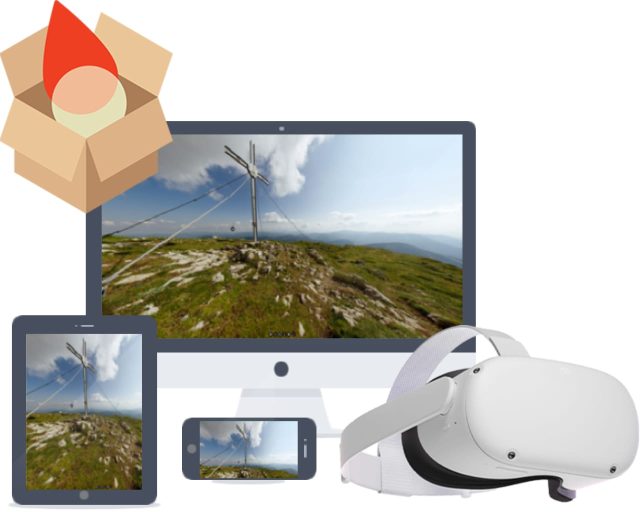
The HTML5 output uses WebGL or CSS3 3D transformations to allow playback of panoramas on devices and browsers that do not support Flash, like Apple's mobile devices. Scalable vector graphics, point hotspots and skins are also supported in the HTML5 output. To see some examples visit the Pano2VR examples page. |
QuickTime VR Export
|
Pano2VR kann sowohl zylindrische als auch kubische QuickTime VR Panoramen mit automatischer Drehung in beliebiger Richtung, Verzögerung und Geschwindigkeit, Ladevorschau, Speicherschutz und einstellbaren Benutzerdaten, exportieren. Für Beispiele besuchen Sie bitte die Pano2VR Beispiele Seite. |
Transformation Export
|
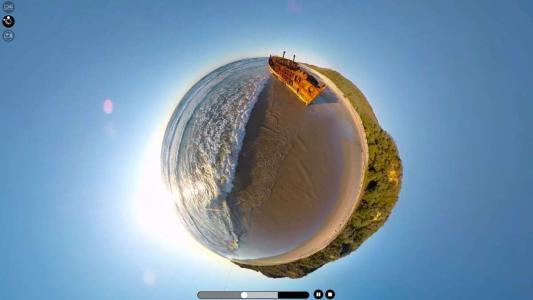
With the transformation output you can remap the panorama to different projections for printing, video panoramas or alternative panorama players like SPi-V. |